Viceride GTA6
Link Checker

Check a mobile demo link before opening it and find the official places to play GTA VI.

Try an example

Your link stays in this browser.

Two links, two results

See what the checker returns for a Viceride demo link and a Rockstar link.

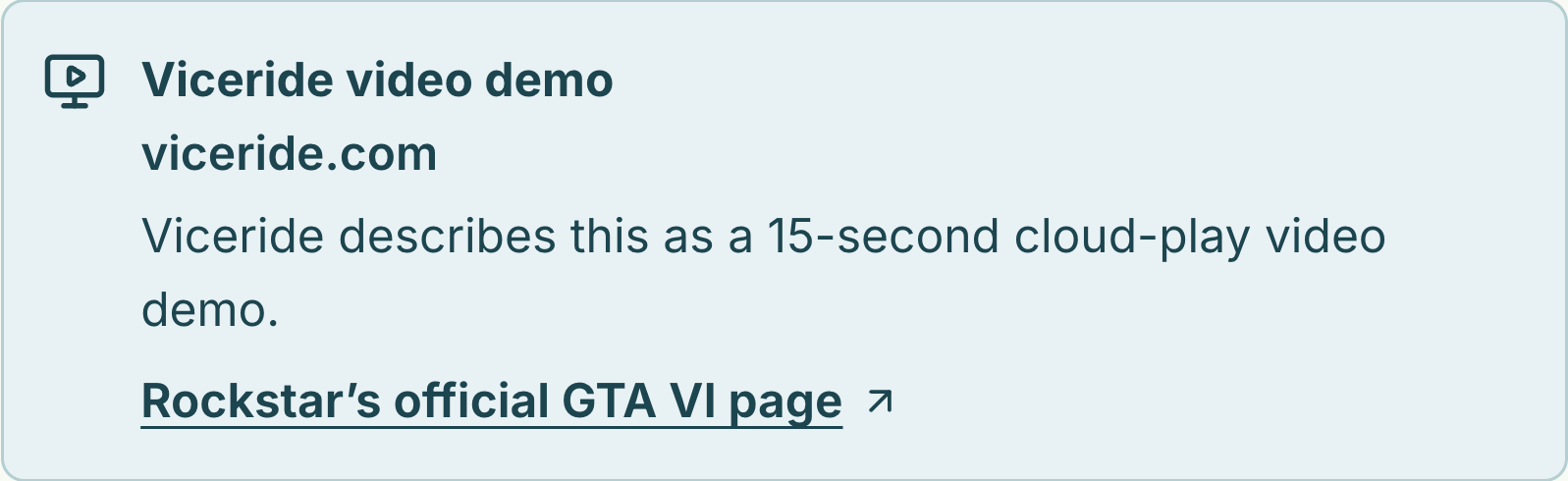
Link check result for viceride.com, labeled Viceride video demo
The Viceride 15-second video demo
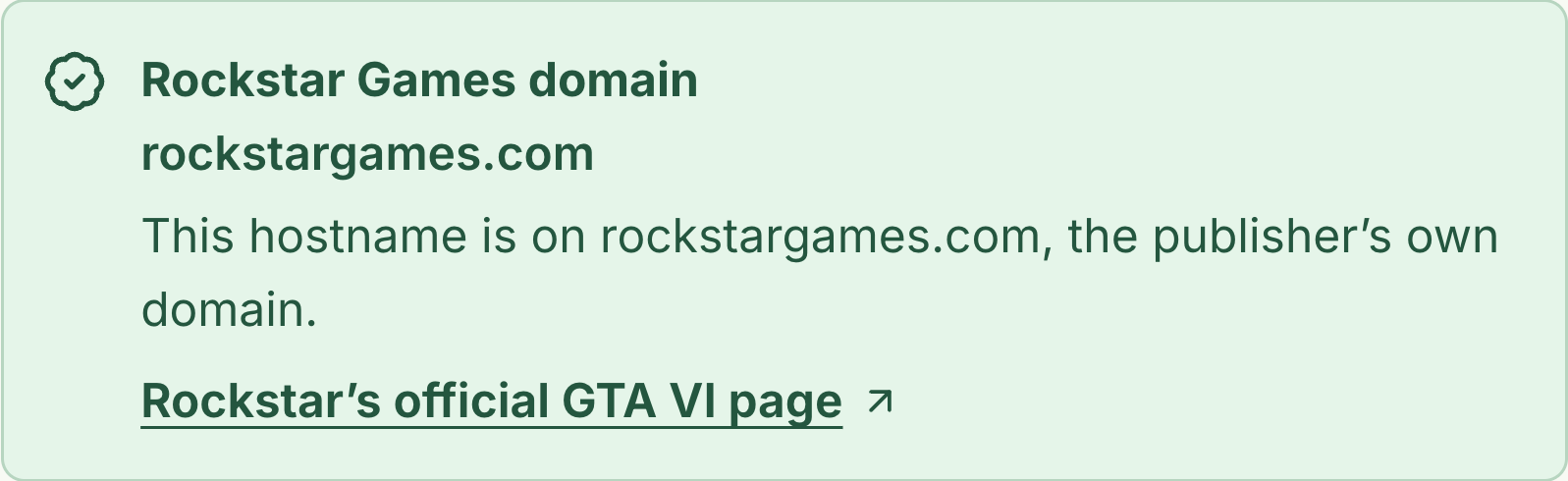
Link check result for rockstargames.com, labeled Rockstar Games domain
The publisher’s official domain

Viceride GTA6 explained

If a clip sent you looking for GTA 6 on your phone, start by checking where the link leads.

What opens on Viceride?

The Viceride page advertises a 15-second cloud-play video demo. Its setup may look like a mobile game launcher. The experience it describes is a video. Use the checker to see whether a link actually points to viceride.com or to another site using a similar name.

How do I check a link?

Copy the address without opening it, paste it above, and select Check link. The result shows which hostname your browser would contact. For example, an address can contain the word “Rockstar” inside its path while the hostname at the beginning belongs to a different site.

Where can I play the official game?

Rockstar’s GTA VI release page lists PlayStation 5 and Xbox Series X|S and links to official buying options. Go there for platform availability, editions, and store links. The result here identifies the domain from the address you pasted, so a Rockstar result can also refer to a news or support page.

What about links shared in a video or message?

Check the original address when you can copy it. If the result shows a URL shortener or a social network, that is the hostname you entered. The tool checks the address as written and leaves any redirects unopened. You can still go straight to Rockstar using the official link next to the result.

What does this checker cost?

Each check is free, and there’s no account or subscription. Results appear as soon as you submit the form. The checker reads the address on your device and gives you the same Rockstar reference for every result.

Frequently asked questions

What is Viceride GTA6?

Viceride is a third-party site that describes its cloud-play experience as a 15-second video demo. You can use this guide to recognize the Viceride domain and find the official Grand Theft Auto VI platform information.

Can I play GTA 6 on an Android phone or iPhone?

Rockstar lists PlayStation 5 and Xbox Series X|S as the official GTA VI platforms. Viceride describes the phone experience on its site as a short video demo. Check Rockstar Games for any future platform announcements.

How do I check a Viceride GTA6 link?

Paste the full web address or the domain into the checker and choose Check link. The result shows the hostname and whether it belongs to Viceride, Rockstar Games, or another domain. You can also use either example link to see a result.

How much does a link check cost? Do I need a subscription?

The link checker is free and needs no account or subscription. Rockstar and the console stores provide current pricing for the official game.

How long does the link check take?

The result appears immediately in your browser. The checker reads the address you enter without opening the destination or sending your input to a server.

What does a Different hostname result mean?

The address uses a hostname outside the known Viceride and Rockstar Games domains. This result identifies the hostname only. The tool cannot verify redirects, page contents, availability, or the safety of a destination.